

The January 2018 story linked China Eastern and Hainan Airlines with developments in onboard connectivity. It does not establish what is available on every aircraft today. For a traveler, in-flight Wi-Fi is best treated as a possible convenience alongside an offline plan. The important test is whether your arrival still works if you cannot send a message during the flight.
Check the operating flight instead of the airline name
Look at the specific booked flight and the airline actually operating it. A service associated with a brand does not prove that every route or aircraft offers the same connection. Review the information attached to that departure, including any stated device requirements, access process, charges or usage limits.
Even after checking, leave room for a change of aircraft or an unavailable service. Do not schedule an essential online task during the flight simply because an earlier journey had connectivity. If access is offered, the product description for that flight is more useful than a years-old launch headline or a screenshot from another passenger’s journey.
Prepare an arrival pack before boarding
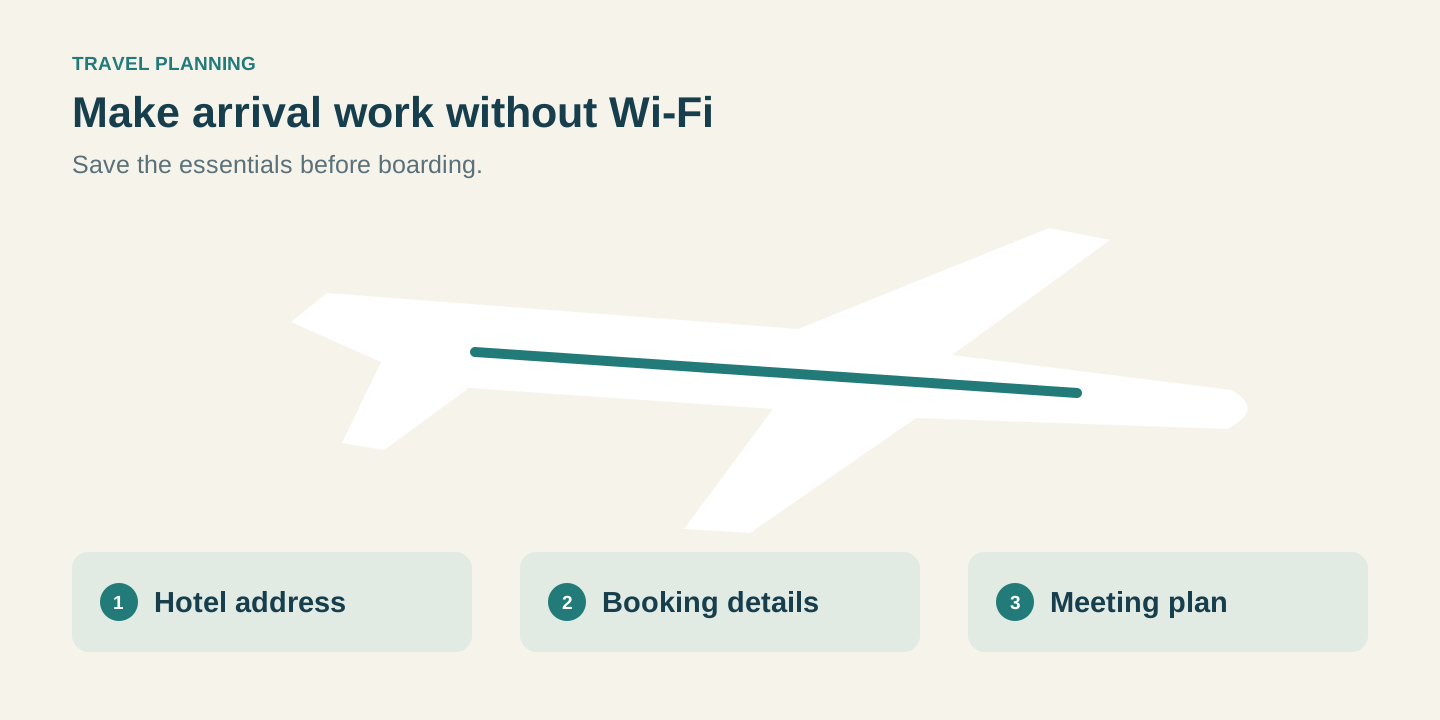
Save the hotel name and address, the next transport reservation and a usable meeting instruction where you can open them without a connection. Include the arrival airport and terminal information from the booking. If someone is meeting you, agree on a precise location and a fallback process before departure.
Keep essential details outside an app that requires a fresh sign-in to display them. Check that saved documents really open while offline rather than assuming a thumbnail means the file is available. A compact paper copy of the key address can also help when a phone is out of battery. The objective is a usable arrival plan, not a large folder nobody can find.
Choose tasks that tolerate interruptions
Use any available connection for activities that can pause without causing a problem, such as reading a nonessential message or sending a brief progress update. A time-critical booking, payment or remote appointment creates a different dependency. Complete it before flying or arrange to handle it after arrival when a suitable connection is available.
Download entertainment or reading material before departure and carry the equipment you need to use it comfortably. Follow the crew’s instructions on device use. If traveling with children, an offline activity plan avoids having the whole cabin journey depend on a service that may be limited or unavailable on that particular flight.
Connect the flight plan to the first hour on the ground
Agree how the group will communicate after landing, including what happens if baggage collection takes longer than expected. A pickup arrangement that depends on a message sent over the destination’s network should have an alternative meeting instruction. Avoid leaving the hotel address or driver details inside a conversation you have never opened on the device you are carrying.
After arrival, confirm the next step before rushing into a transfer. In-flight Wi-Fi and ground connectivity are separate services, so access to one does not establish access to the other. A well-prepared traveler can enjoy connectivity when it works while still reaching the accommodation calmly when the flight was entirely offline.
Before you travel
- Check connectivity information for the actual operating flight.
- Open saved travel documents once while the device is offline.
- Agree on an arrival meeting point and a fallback before departure.
In-flight connectivity questions
Does the 2018 launch mean every flight has Wi-Fi?
No. A historical airline announcement cannot confirm the equipment or service on a current departure. Check the flight-specific information and keep an offline plan.
Can I depend on onboard access for an important video meeting?
Avoid making the trip depend on uninterrupted connectivity. Arrange an essential appointment before departure or after arrival when you can use a suitable connection.
Which travel details should I save first?
Prioritize the accommodation address, next booking, arrival meeting point and contact instructions. Confirm that these details actually open without an internet connection.
Is having Wi-Fi on the plane enough for the airport transfer?
No. The ground connection and meeting arrangements need their own plan. Save the pickup instructions before the flight so the transfer does not depend on either service.